Set up your inbox for giveaway entries
Use an address you check, add a filter for the sender, and keep confirmation mails in one folder. Almost every lost entry is a confirmation link that was never opened, not a technical failure.
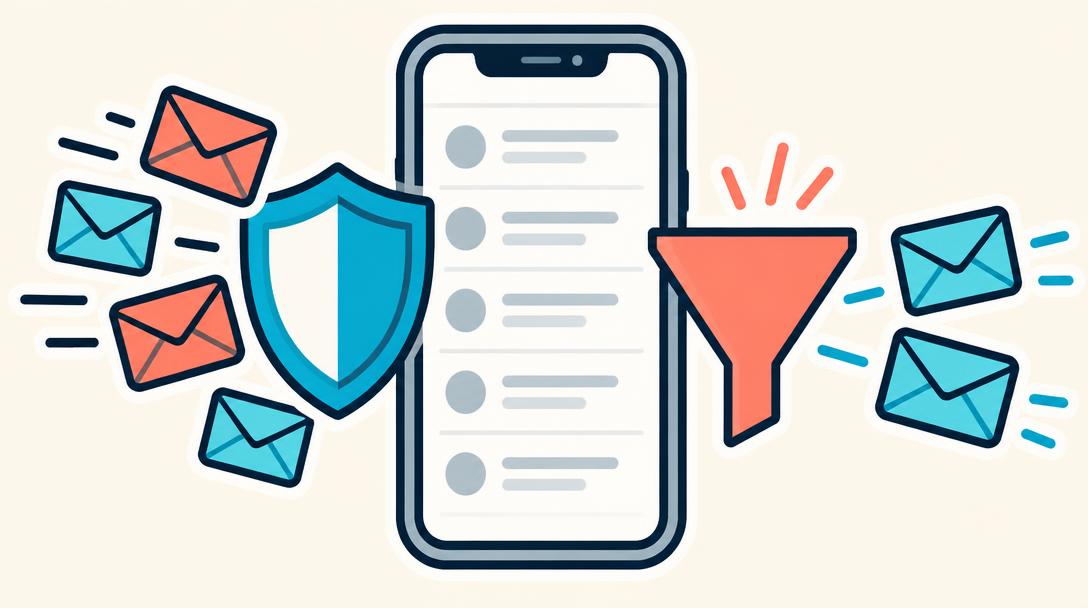
Which address to use
A throwaway address you never open is the most common reason an entry never becomes a confirmed entry. Use your normal address, or a second address you actually read. The address also has to still work weeks later, because the draw happens after the entry window closes and the winner is contacted by email.
Filter instead of searching
Create a rule for the sender domain of each giveaway site you use and route it into a folder such as "Giveaways". PrizePop sends from its own domain, notify.prize-pop-drops.com, so one filter catches every confirmation, reminder and result mail from us.
Mark the first mail as "not spam" and add the sender to your contacts. Providers learn from that and later mails land in the inbox instead of the spam folder.
What a real sender looks like
A legitimate giveaway mail names the operator, links to a page on the same domain as the site you entered on, and contains a working unsubscribe link. It never asks for a payment, a shipping fee, a bank account or an ID scan before a prize is handed over.
Leaving is part of the setup
Every PrizePop mail carries an unsubscribe link on our own domain. One click stops the mailings, and your existing entries stay valid — unsubscribing does not remove you from a draw you already confirmed.
Frequently asked questions
- Can I enter with two addresses?
- No. One entry per person and drop; duplicate entries are removed before the draw.
- The confirmation mail is in spam — does it still count?
- Yes, the link works from the spam folder too. Only the click matters, not the folder.